A simple path from being found to doing business.
Create a storefront, receive a structured request, and open a real conversation when you are ready.
Create your storefront
Add your business name, category, location, services, photos, and basic information. It only takes a few minutes to get started.

Show people what you do
Help customers understand your business before they reach out. Add your services, products, photos, FAQs, reviews, and examples of your work.
- Business informationAbout, services and products
- CategoryHome Services
- Service areaMiami, FL
- HoursMon – Fri, 8:00 AM – 6:00 PM
- PhotosShow your work
- RequestsCustomers send you the details
Receive a structured request
When someone finds your business, they can send a request with the key details you need.
- A request arrives
- You review it first
- You accept, and chat opens
No customer contact details are shared yet.
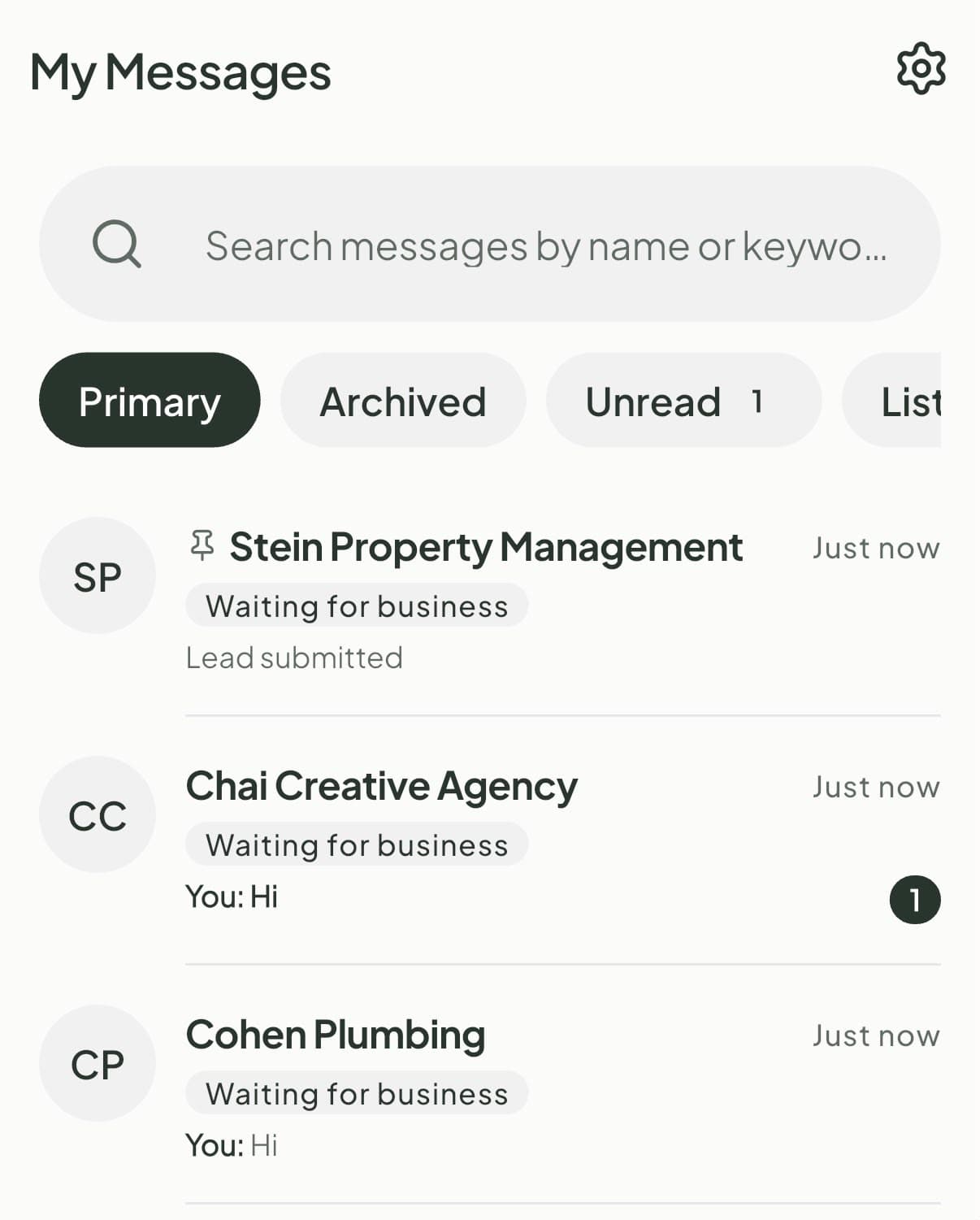
Accept, and the conversation opens
Every business can receive requests. Connect lets you review and accept them — and the moment you do, the normal Jewgo chat opens so you can ask questions, discuss the work, and move the customer forward.
From search to conversation.
Customers can find you, tell you what they need, and start a conversation when you accept.
- Search
- Storefront
- Send request
- Request accepted
- Chat opens
What Free includes
- Public storefront
- Business information
- Category
- Service area
- Hours
- Logo and cover image
- Basic gallery
- Reviews and owner replies
- One product
- One service
- SEO, GEO, and AEO presence
- Structured customer requests
Connect unlocks request acceptance and chat.
Let’s build your storefront.
Add the first details now. You can complete the rest as you go.
A few things to know.
How do I list my business on Jewgo?
Create a storefront on Jewgo Biz. Add your business, location and contact details, then tell us which plan interests you. No payment or subscription starts during signup. Sign in with your Jewgo Account to save it as your draft; complete publication before customers can find it in the Jewgo Nav app and on the web.
Can I start free?
Yes. You can create a public storefront for free and start receiving structured customer requests.
How long does setup take?
Setup has eight short pages. Photos and business hours are optional, and your details save as you go so you can return later.
How does a customer request work?
A customer visits your storefront and selects Send request. They provide structured information such as the service they need, their general area, and their desired date.
What does Connect unlock?
Connect lets you review and accept customer requests, open conversations with customers, and show public contact links on your storefront.